Project planning
Structure tasks and discuss the planned workflow with the team.
See the relevant workflow →EU Flow in everyday work
Plan work, identify bottlenecks and move tasks forward.
Structure tasks and discuss the planned workflow with the team.
See the relevant workflow →Place work steps on the board and determine the next useful step.
See the relevant workflow →Review timelines and capacity questions together. Check the feature status of each view.
See the relevant workflow →Step by step
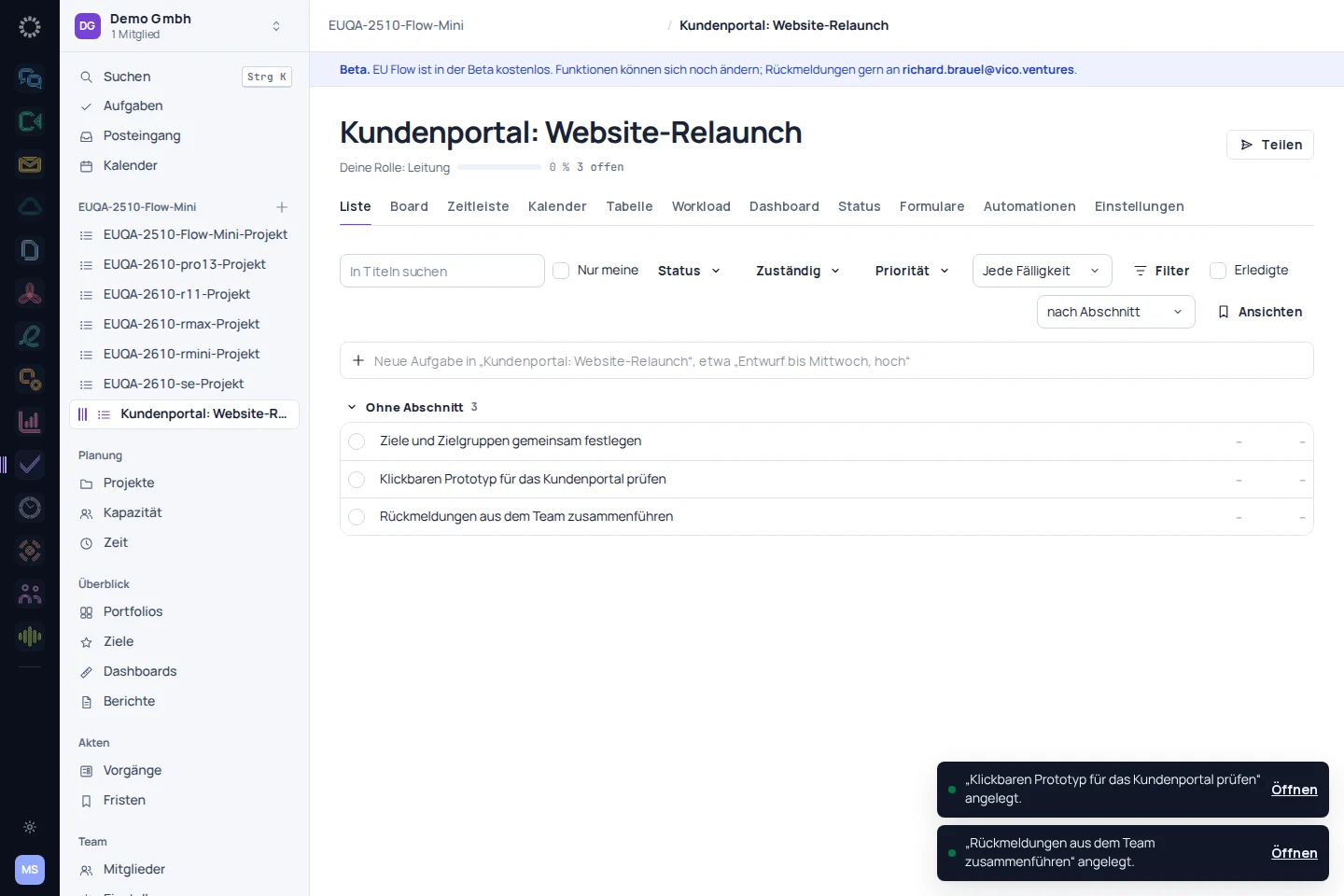
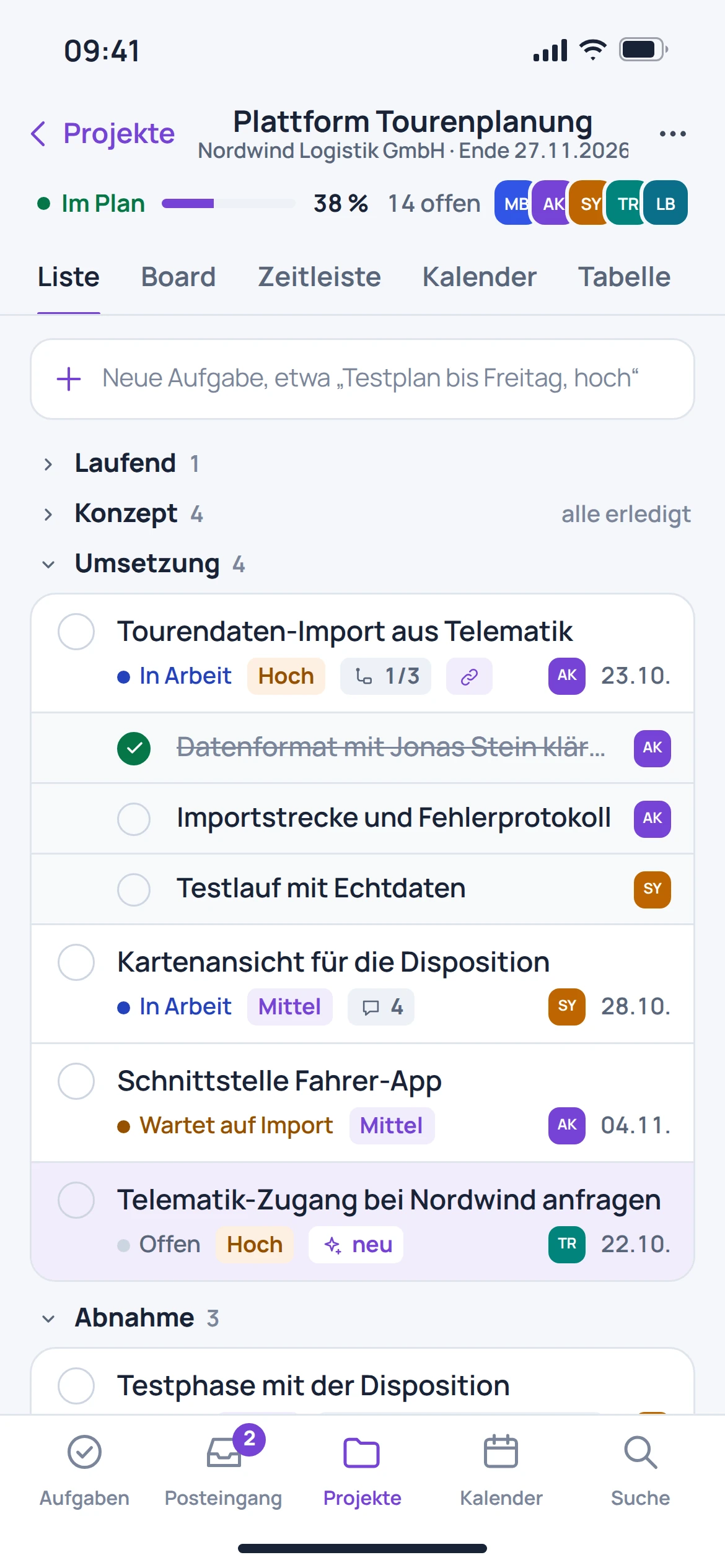
Break the project into tasks with owners and deadlines.
Arrange tasks into a workable sequence on the board and timeline.
Review progress and planned workloads together on a regular basis.
Before getting started
The board organises work by status. The timeline shows dates, milestones and dependencies in context.
The listed capacity view displays planned work by person and week. It supports planning discussions.
An automatic migration from other providers is in preparation. Custom fields and statuses require an explicitly reviewed mapping.
The connection is provided for in the product documentation. This page does not promise a fully configured automatic synchronisation.